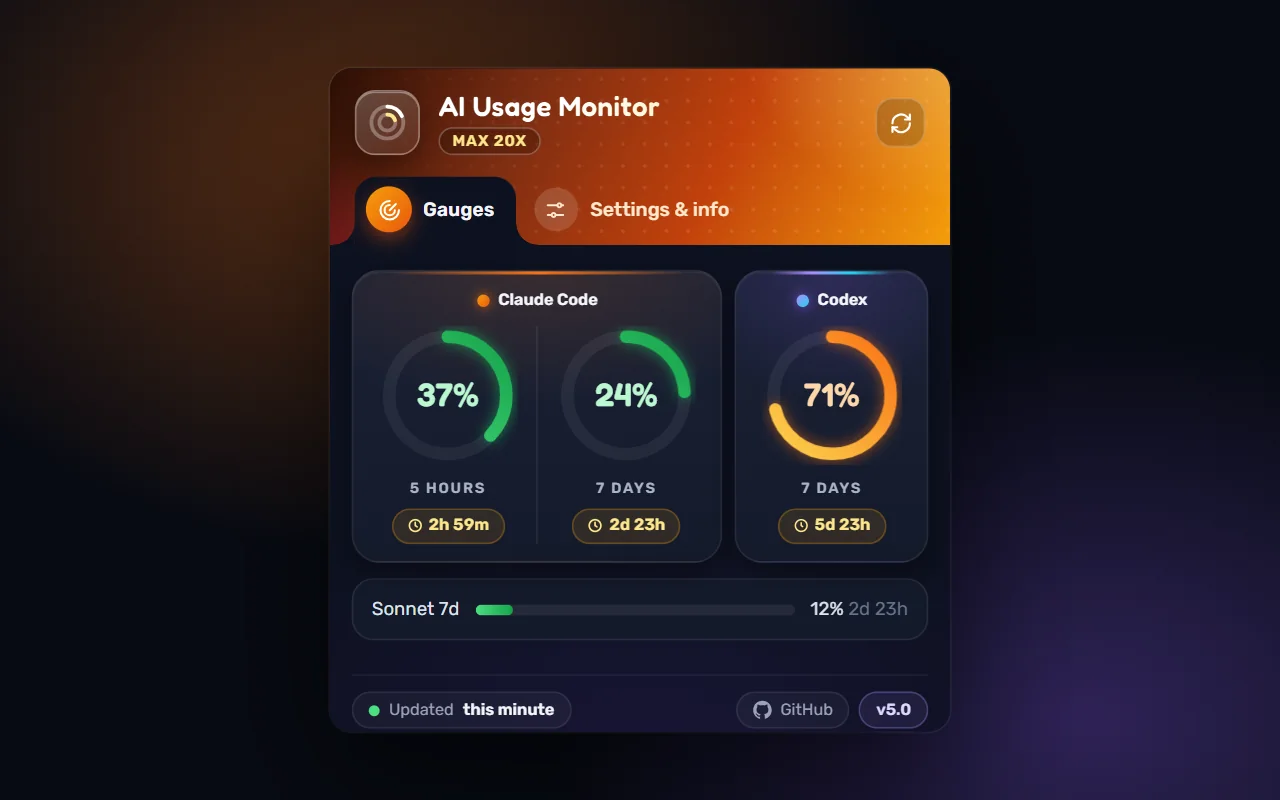
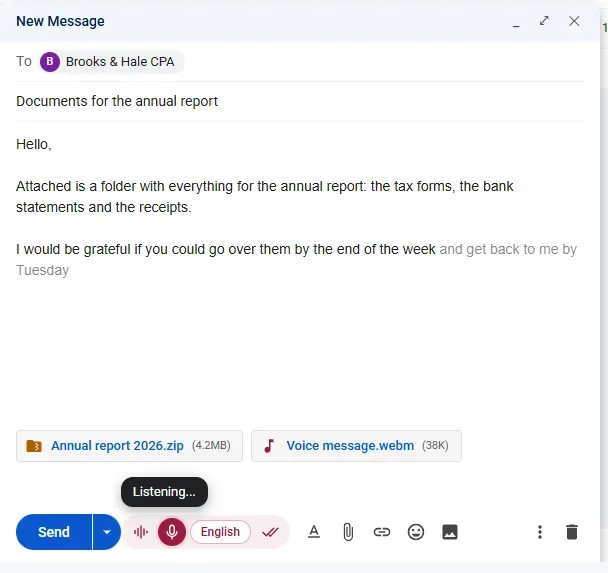
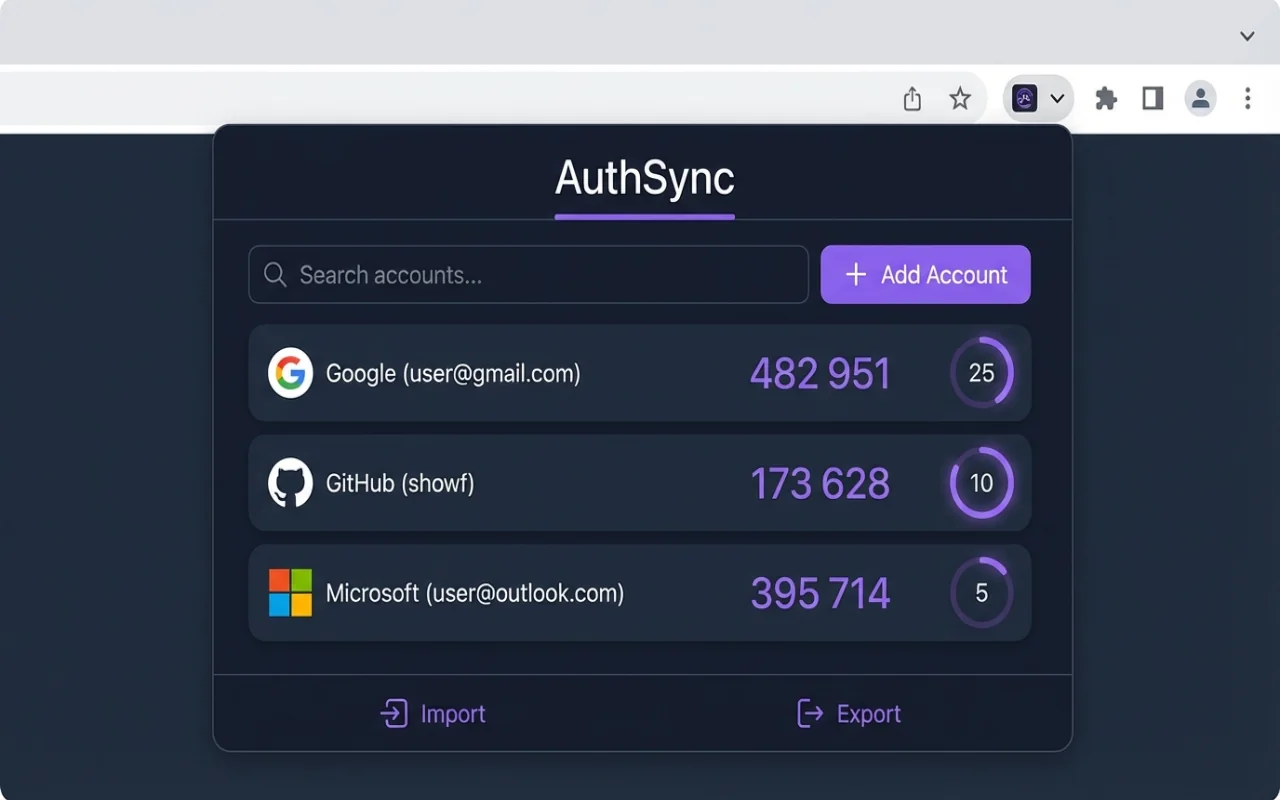
Each one started as a small daily annoyance we wanted gone: a quota that ends mid-task, an inbox that cannot talk, a code on the wrong device. They are free, and they only do what they say.
Two small programs, portable: no installation, no account. Download, double-click, done.
NoDodo
Keep your PC awake
Keeps your PC awake for exactly as long as you choose.
Pick a time from 15 minutes to 5 hours and NoDodo stops Windows from going to sleep until it is over. When the time is up, sleep is allowed again and the window comes back so you know. Nothing to configure, nothing left running in the background. On a laptop the screen stays on while it runs: on recent laptops, the screen turning off is exactly what puts Windows to sleep.
Slider from 15 minutes to 5 hours
Live countdown and end time
Sleep is allowed again by itself
No installationWindows 10 / 11Interface: Hebrew, French, English (follows Windows)
Windows may show “Windows protected your PC” because this file is new and not code-signed. Click “More info”, then “Run anyway”. You can check that your copy is genuine by comparing its SHA-256 fingerprint with the one below. The programs only write to their own folder in your user profile and contain no personal data.
Jewish music and calm classical piano, ad-free radio one click away on your desktop.
A small player for four stations: Kol Chai Music, Kol Play, JewishMusic Stream and a classical piano station with no host and no singing (France Musique Piano Zen). Arrows and your keyboard’s next / previous keys switch stations. It resumes the last station when you open it, shows the song that is playing, and keeps the music going when you minimize the window. Unofficial: the stations and their names belong to their owners.
Four stations, next / previous with one click or your keyboard keys
Resumes your last station and shows the song playing
Volume slider and an auto-stop timer
No installationWindows 10 / 11Interface: Hebrew, French, English (follows Windows)
Windows may show “Windows protected your PC” because this file is new and not code-signed. Click “More info”, then “Run anyway”. You can check that your copy is genuine by comparing its SHA-256 fingerprint with the one below. The programs only write to their own folder in your user profile and contain no personal data.